


Many parents notice their children becoming uncomfortable after long periods of screen use. A child may start out focused on a game or school task, but later show signs of eye fatigue such as rubbing their eyes, blinking more often, or complaining of tiredness. What began as a normal part of their day leaves them feeling physically strained instead of comfortable.
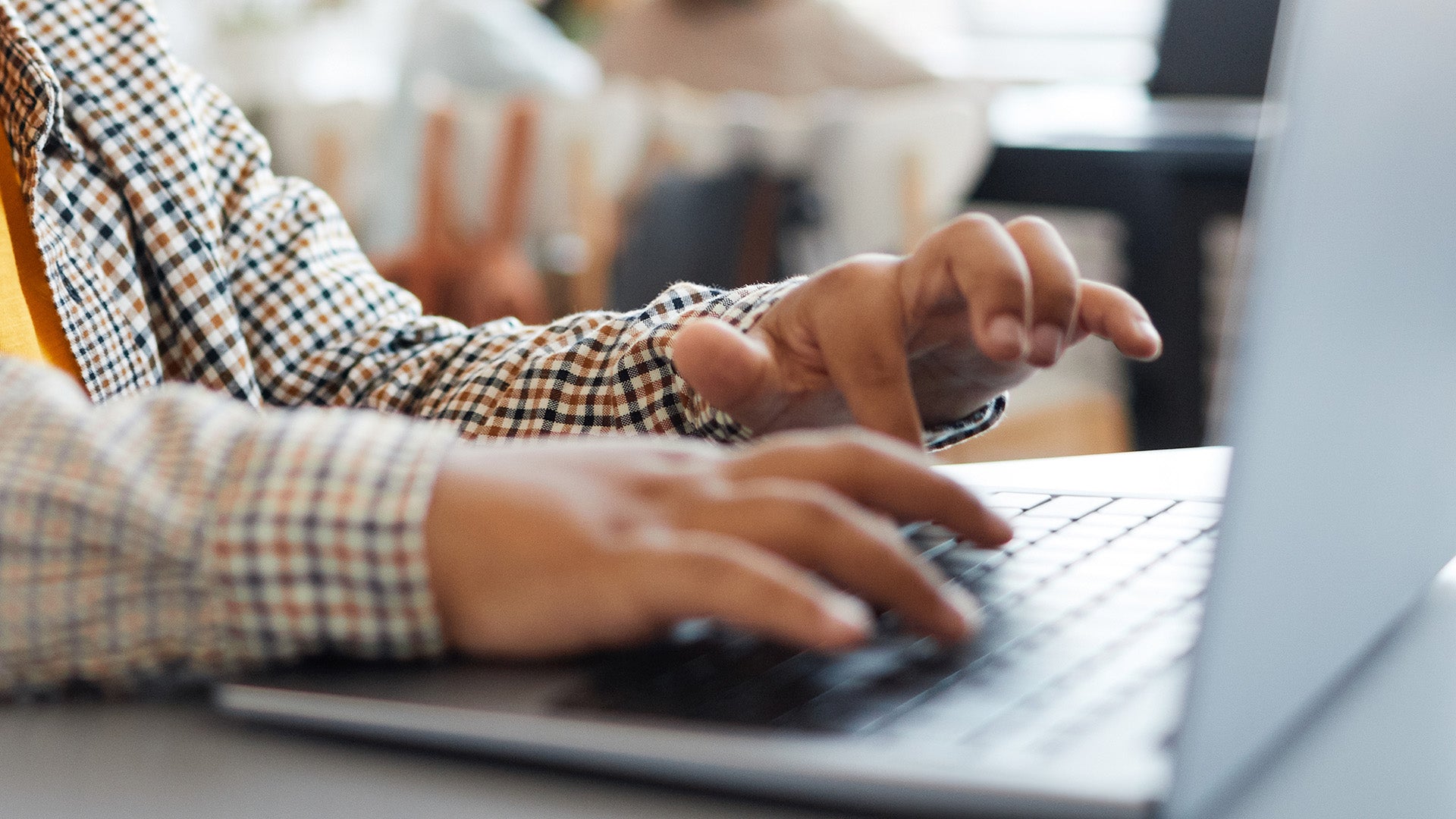
These reactions are rooted in how children’s eyes work during close-up digital tasks. Long stretches of uninterrupted focus reduce blinking, tighten the eye muscles, and increase sensitivity to brightness. These changes do not typically indicate long-term harm, but they do signal that a child’s visual system is working harder than it needs to. Understanding why these symptoms appear helps parents respond with clarity rather than worry.
Supporting healthy visual habits is a practical way to reduce discomfort and create a smoother screen-time rhythm at home. Approaches such as the 20-20-20 rule, along with small adjustments to environment and routine, can lower eye strain and help children stay comfortable while still benefiting from digital tools.

Why screens tire kids’ eyes
Children’s eyes are still developing, and they often get absorbed in what is on the screen. That means:
- They blink less, which dries out the eyes.
- Eye muscles stay focused on a close object for long periods.
- Bright screens and poor lighting increase strain.
These patterns can lead to tired, burning, or sore eyes, sometimes headaches, and frustration. It helps to look at screen habits as part of a bigger conversation about screen balance rather than a single problem.
What is the 20-20-20 rule for kids?
The 20-20-20 rule is a simple and practical eye-care habit for children.
- Every 20 minutes
- Look at something about 20 feet away
- For at least 20 seconds
This short pause helps the eye muscles relax and restores more natural blinking. For children, presenting this idea as an eye rest instead of a command helps them feel supported rather than controlled.

How to make the 20-20-20 rule work at home
Turn it into a shared routine
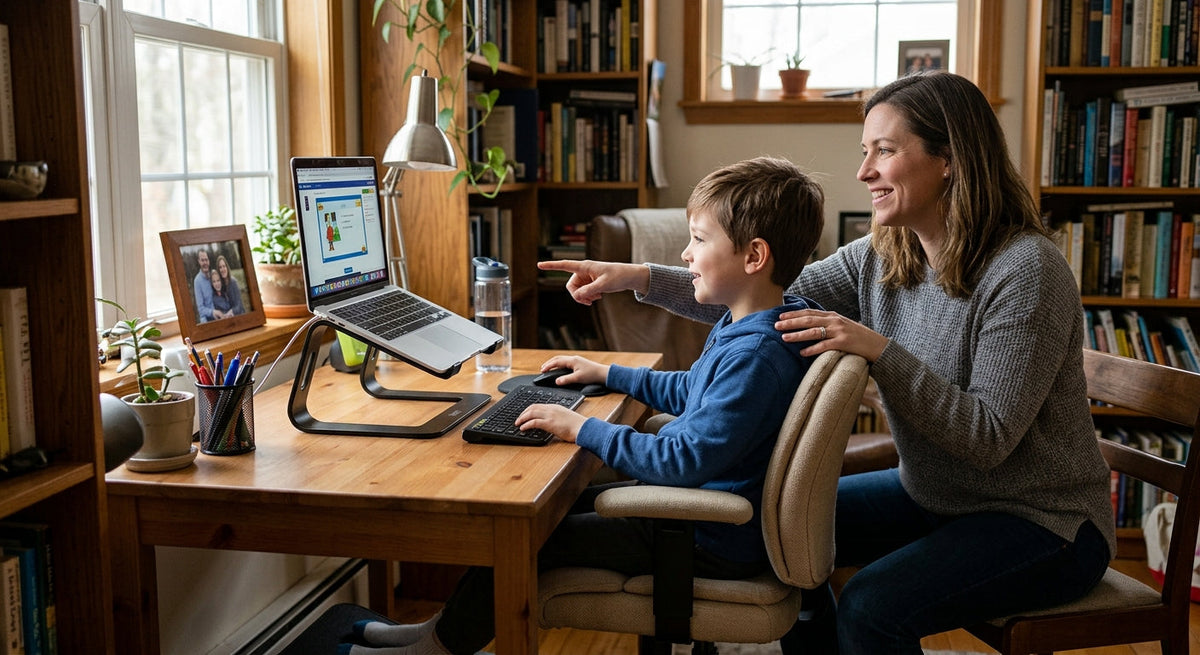
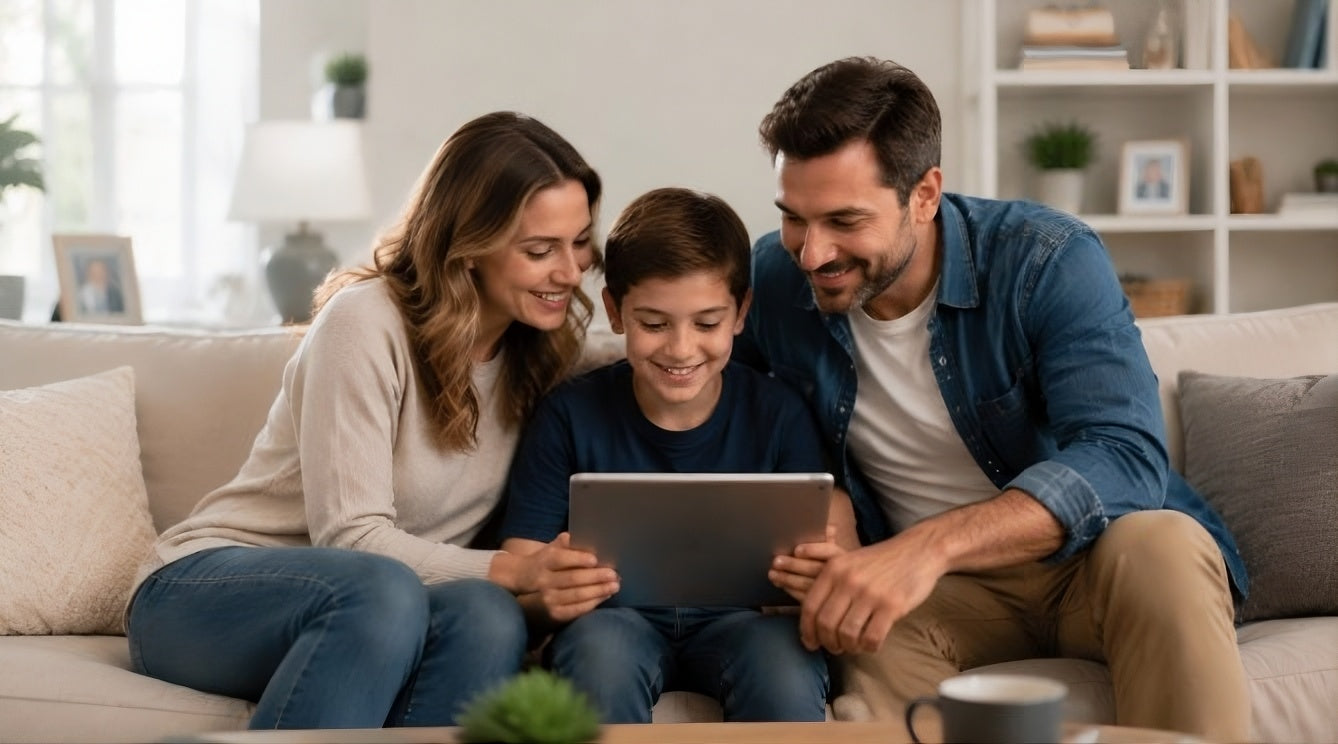
Children respond better when they feel you are doing the habit with them, not monitoring them.
- Set a gentle timer for longer screen sessions.
- When it goes off, say something simple like, "Let’s rest our eyes for a moment."
- Look out a window or across the room together.
Consistency helps the habit become part of the rhythm rather than a disruption.
Make breaks feel natural, not like punishment
Eye breaks should feel like a short pause, not an interruption of joy.
- Pair breaks with something pleasant like stretching or a sip of water.
- Let kids choose the faraway object to look at.
- Keep the tone warm and neutral.
If you find your child struggling to disengage from screens, understanding the reward patterns behind scrolling can help. The ideas explained about reward loops can make these moments easier for both of you.
Screen-time eye safety tips for children
Alongside the 20-20-20 rule, a few environment and posture habits can reduce strain.
Screen setup and posture
- Keep screens about an arm’s length away.
- Position screens slightly below eye level.
- Add soft lighting to avoid bright screens in dark rooms.
These small changes make safe screen time for kids more realistic, especially for homework or long classes.
Daily rhythm and breaks
Healthy kids screen time health guidelines focus on balance rather than strict numbers.
- Mix screen time with outdoor play and movement.
- Encourage tasks that use different distances such as reading a book or building with toys.
- Notice when your child seems tired and offer comfort before correcting behavior.
Emotional connection and eye safety

Eye safety routines are most effective when they protect the relationship as much as the eyes.
Ways to support connection:
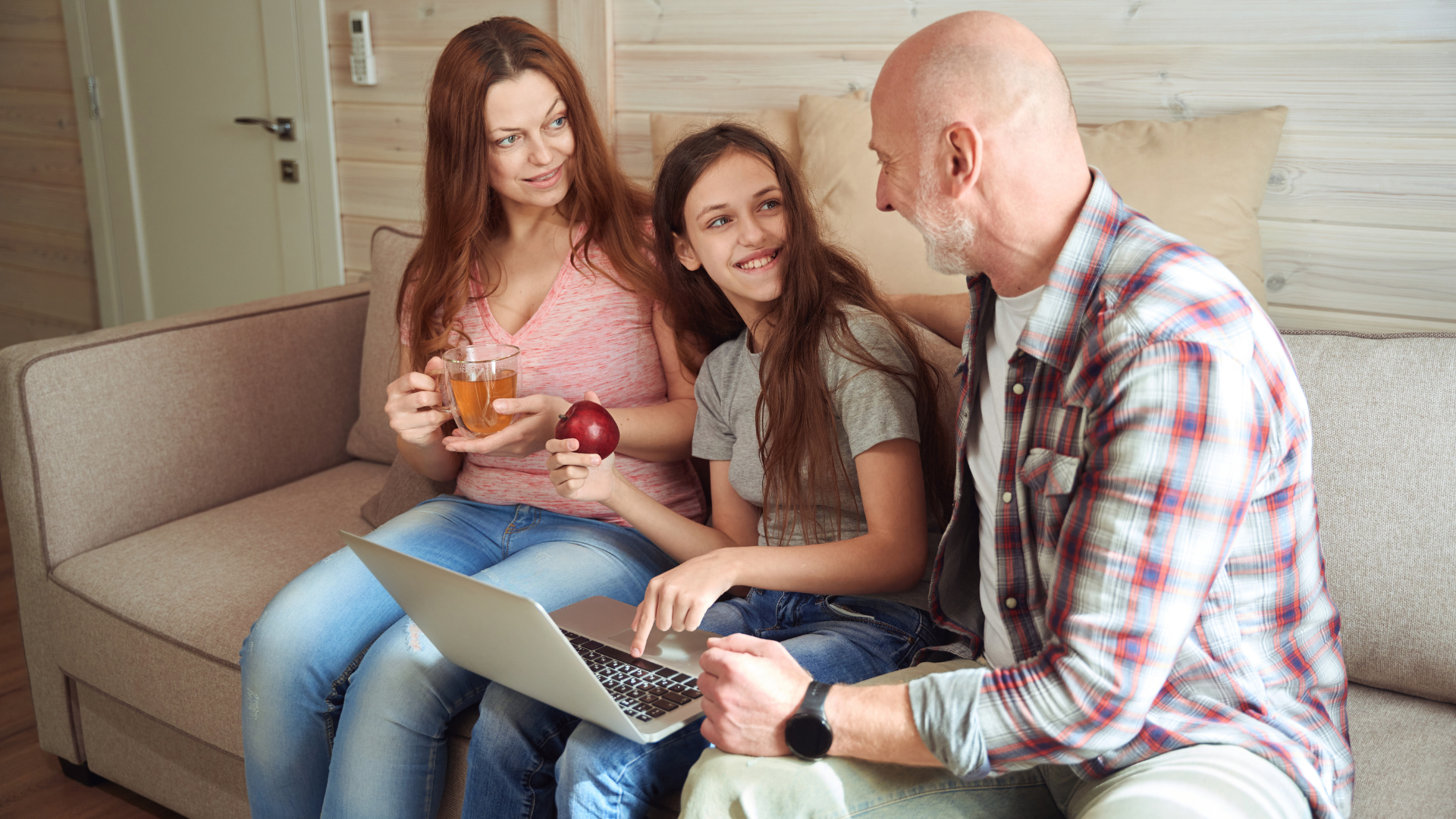
- Ask honest questions like, "How do your eyes feel after long games?"
- Validate their experience.
- Invite them into problem solving.
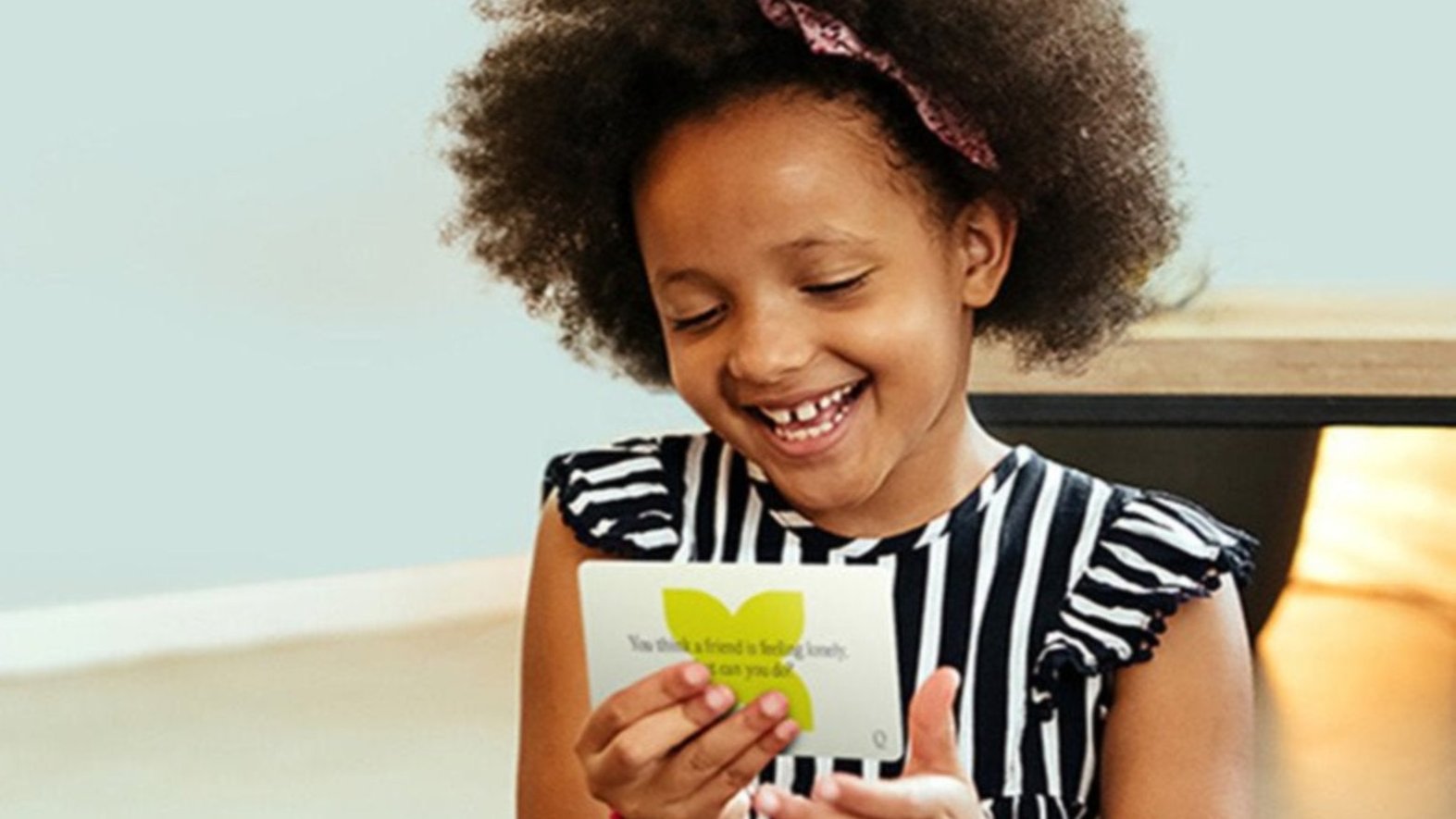
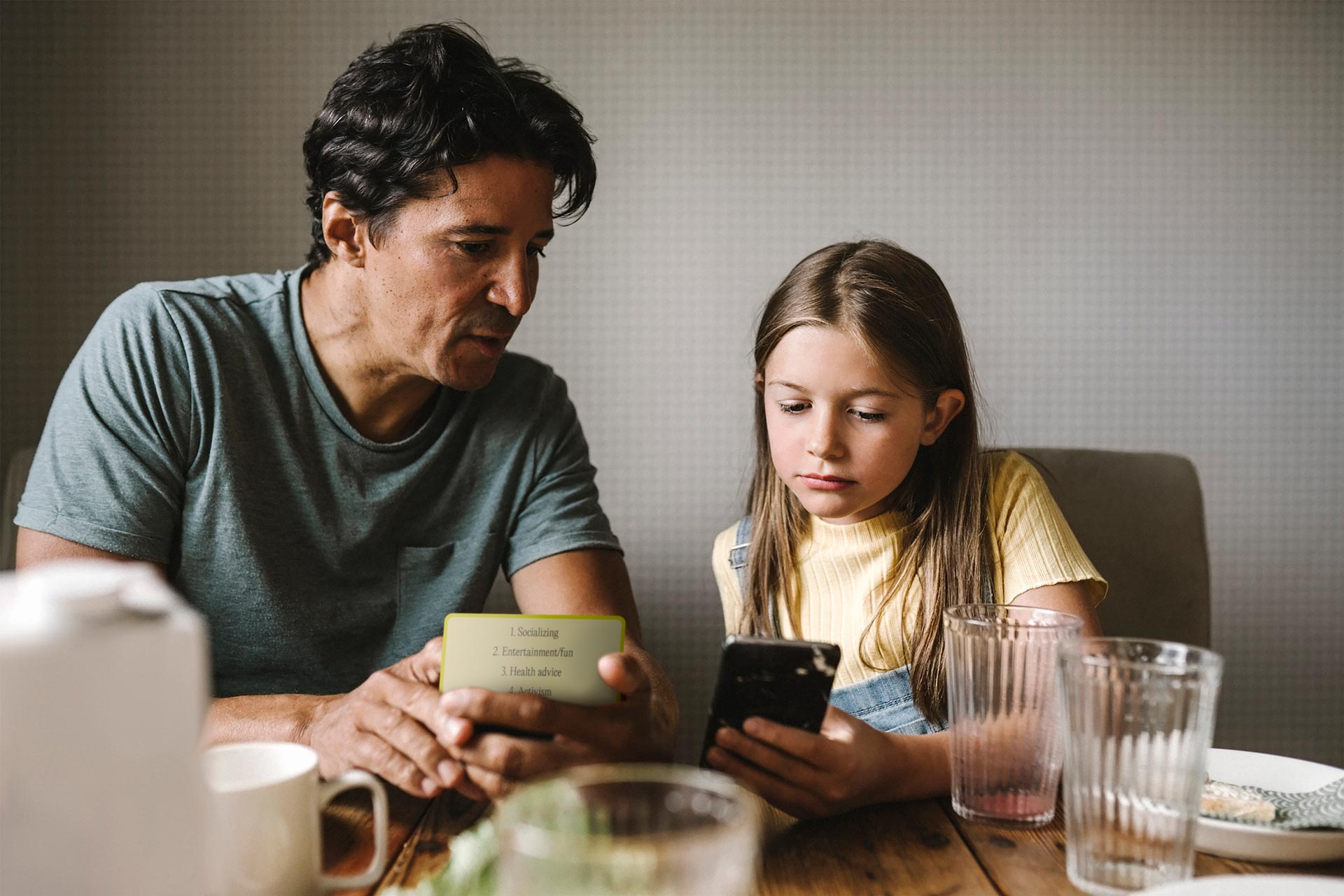
Many families find that using the Raising Digital Citizens conversation cards helps these discussions become easier and more routine. By offering thoughtful prompts that encourage children to reflect and put their own experiences into words, the cards help children remember insights more clearly, feel a greater sense of agency, and become more aware of their own needs and signals.
Does blue light from screens really harm children’s eyes?
Blue light often worries parents, but current research shows:
- Blue light from everyday screens does not appear to cause permanent eye damage in children.
- It can disrupt sleep if screens are used right before bedtime.
- Bright displays can add to eye fatigue.
Helpful habits include lowering brightness, using warm display settings in the evening, and keeping screens out of the last hour before sleep.
The focus should remain on balanced use and regular breaks rather than fear of blue light.
Helping kids protect their own eyes
The long-term goal is helping children listen to their own bodies.
Try gentle questions like:
- "What does your body feel after this long session?"
- "Do your eyes feel comfortable or a little tired?"
When children connect their choices with how their body feels, learning how to protect kids eyes from screens becomes a shared project, not a set of rules enforced by parents.
FAQs
How much screen time is safe for children’s eyes each day?
There is no single number that fits every child. What matters is how screens are used and how the child feels afterward.
-
Notice fatigue signals such as eye rubbing or headaches.
- Use the 20-20-20 rule during any session longer than 20 to 30 minutes.
-
Balance devices with outdoor play and creative activities.
What are the signs of digital eye strain in kids?
Children may not say their eyes hurt directly. Signs appear through behavior and physical cues.
- Eye rubbing or blinking more often
- Sitting very close to the screen
- Complaints of tired or burning eyes
- Headaches after reading or gaming
- Irritability during screen tasks
How can parents encourage kids to take screen breaks without conflict?
Breaks feel easier when they are collaborative and predictable.
- Agree on a plan before screen time begins.
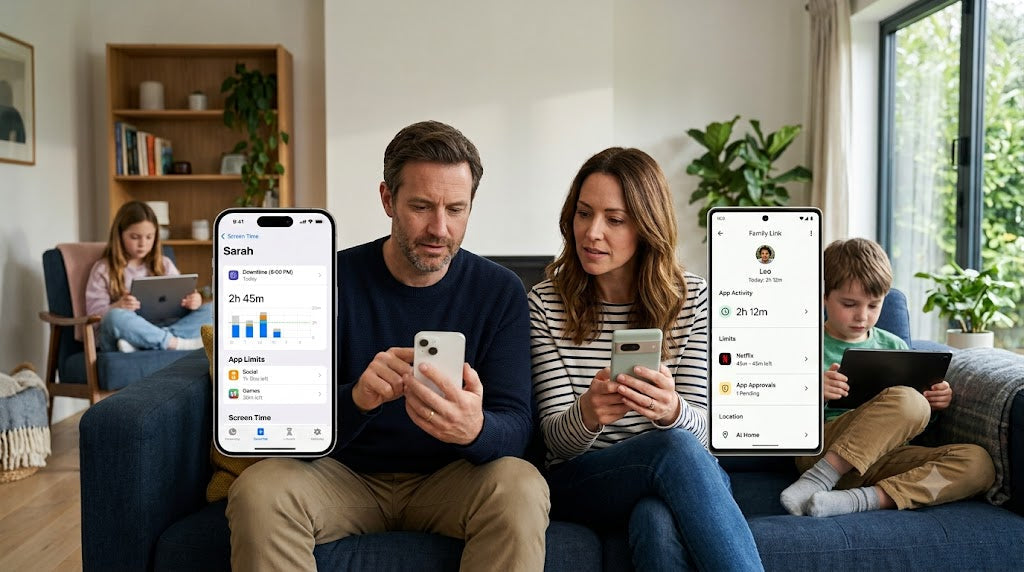
- Use neutral timers so you are not the one interrupting.
- Join the break with your child.
- Offer choices and flexibility when possible.
Does blue light from screens really harm children’s eyes?
Blue light is more of a comfort and sleep concern than an eye damage risk.
- Normal screen blue light has not been shown to cause harm.
- Bright screens can delay sleep.
- Warm display settings and dimmer brightness help.