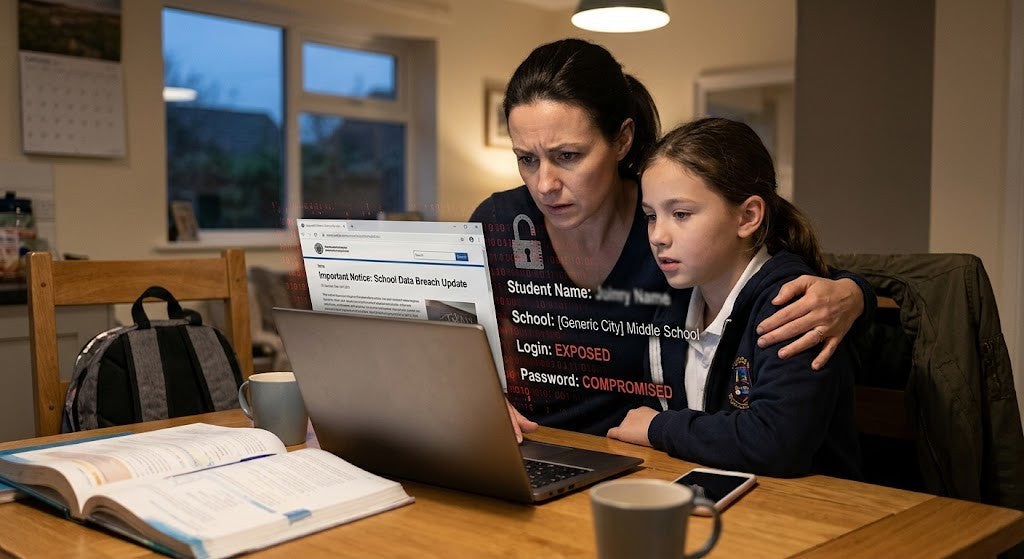









Fake security alerts on children’s devices are becoming one of the most overlooked digital safety risks today. These pop-ups, warnings, and messages are designed to scare users into clicking, but for children, they don’t feel like scams. They feel real, urgent, and authoritative.
When a message claims their tablet is “infected” or hints at hacking without explaining what that really means, many kids do exactly what they’ve been taught to do.

What Are Fake Security Alerts?
Fake security alerts are messages that appear online pretending to be from a trusted source, like an antivirus tool or system notification. Their goal is to get the viewer to act quickly and without thinking.
They often include:
- Alarming phrases like “Your device is at risk!” or “You’ve been hacked!”
- Visuals such as red warning signs, countdown clocks, and blinking text
- Prompts to click, download, or “fix” something urgently
These alerts might appear while a child is:
- Playing a game
- Watching videos
- Browsing the web
- Using educational platforms
And even though they might seem harmless at first glance, they can lead to:
- Inappropriate content
- Unwanted downloads
- Phishing attempts
- Emotional distress
Why Are Children More Likely to Fall for These Tricks?

Children aren’t falling for scams because they’re careless; they’re falling for them because of how they think, feel, and learn.
Here’s why:
- They think literally. When a pop-up says "Your iPad is infected," kids often believe it without question.
- They respond to authority. Alerts that sound like they're from adults, schools, or official sources can feel like commands.
- They feel urgency. Kids are still developing the ability to pause and assess. If a message says “Act now,” they often do.
- They don’t want to get in trouble. Some alerts even manipulate children with guilt, saying things like, “Your parents will be upset if you don’t fix this.”
None of this means your child is "too trusting" or naïve. In fact, it means they’re responding to the world exactly as they’ve been taught: to listen, follow rules, and take things seriously.
How These Alerts Work Emotionally
These alerts are engineered to trigger fear, and they often do it well. They borrow from real warning language and use emotional triggers to push kids into action.
Emotional Tactics in Play:
- Fear of punishment: “If you don’t act, your account will be deleted.”
- Responsibility pressure: “Tell your parents or your device will be blocked.”
- Time pressure: “Countdown: 20 seconds left to fix the problem.”
- Shame-based manipulation: “You’ve done something wrong. Click here to undo it.”
These techniques work not because a child is careless, but because they’re emotionally invested in doing the right thing, in staying safe, in protecting their family.
Where Do These Alerts Show Up?
Fake security alerts on children’s devices often appear in places parents assume are safe, familiar, or educational. These alerts blend seamlessly into games, videos, and learning platforms, making them especially convincing for kids.
|
Platform / Activity |
What It Might Look Like |
Why It Works |
|
Mobile games (free apps) |
“Your battery is at risk. Download Cleaner now!” |
Pops up during play, disrupts focus |
|
YouTube/video platforms |
“This video may have infected your device!” |
Scary thumbnails, uses clickbait fear tactics |
|
Educational websites |
“Fix security issues to keep learning.” |
Mimics trusted sources like school tools |
|
Browsing websites |
“You’ve been hacked. Call this number now.” |
Appears in full-screen pop-ups |
|
Shared links from friends |
“See who viewed your profile!” |
Exploits peer trust and curiosity |
Even one accidental click can lead a child to a confusing or harmful situation, which is why prevention is often more about habits and awareness than technical fixes.
What Happens When Children Click?
Some children may quickly close out of these messages. Others may:
- Click through to download something
- Try to fix what they think is a real problem
- Hide what happened out of fear
If their action leads to more warnings or strange behavior on the device, they may panic, or worse, avoid telling anyone at all. Not because they want to be dishonest, but because they’re worried they’ll be blamed or lose their tech privileges.
And when mistakes are met with harsh reactions or consequences, children often learn to keep things to themselves next time.
How Fake Security Alerts Affect Children Beyond the Screen

Fake security alerts don’t just create technical risks; they can leave lasting emotional impressions on children. For some kids, these experiences create fear around using technology at all. For others, they trigger shame or anxiety about “Doing something wrong.”
Children may:
- Feel responsible for damaging a device
- Worry about getting in trouble
- Avoid telling adults when something goes wrong
- Develop fear-based relationships with technology
When these moments aren’t handled with care, children may learn that mistakes online should be hidden rather than discussed. Over time, this can reduce openness, confidence, and digital independence.
A Real-World Moment: Two Different Responses
Imagine your child tells you they clicked on a scary message and now the tablet is acting strangely.
Response A:
“Seriously? I told you never to click that stuff. That’s it , no more games for a week!”
The child feels ashamed. Next time? They won’t tell you.
Response B:
“That must have felt scary. Thanks for letting me know. Let’s take a look together.”
The child feels safe. And safe kids? They keep talking.
We all want our children to be responsible online. But responsibility grows from feeling supported, not from fear.
Encouraging Digital Confidence, Not Perfection
The goal isn’t to make sure your child never clicks anything suspicious, but to gradually build habits that help them pause, notice patterns, and avoid common online scams over time.
The goal is to help them:
- Recognize red flags
- Pause before acting
- Know they can come to you, no matter what
You might try saying:
- “If anything ever pops up that looks weird or scary, just close the app and come get me.”
- “Even if you did click something, I won’t be mad. We’ll figure it out together.”
- “It’s okay to make mistakes; what matters is that we talk about it.”
Practical Ways to Support Your Child

Without needing to be a tech expert or follow any structured approach, here are some gentle ways to help your child stay safer online:
- Be present during some screen time. Sit nearby or ask them to show you what they’re doing.
- Use moments of curiosity, “Hey, what would you do if a message said your iPad had a virus?”
- Normalize asking for help by sharing your own experiences, even mistakes.
- Avoid shaming language. Children need to know their worth isn’t tied to flawless behavior.
- Model digital calm. If you get frustrated with pop-ups or tech issues, narrate how you slow down and make choices.
Everyday Moments That Matter
Small, Shared Interactions
Technology becomes less divisive when it is woven into everyday life. Casual conversations during meals, car rides, or shared activities often lead to meaningful insights. These moments tend to work best when they feel unplanned and pressure-free, when curiosity shows up before instruction.
When children feel safe sharing their digital experiences, parents gain understanding without forcing it. Sometimes that understanding grows from a simple question, a shared prompt, or an open-ended invitation that makes conversation feel easier to enter.
These moments often show up in small ways:
- A question that invites reflection rather than explanation
- A shared prompt that opens a conversation without an agenda
- A pause that makes space for a child to lead the discussion
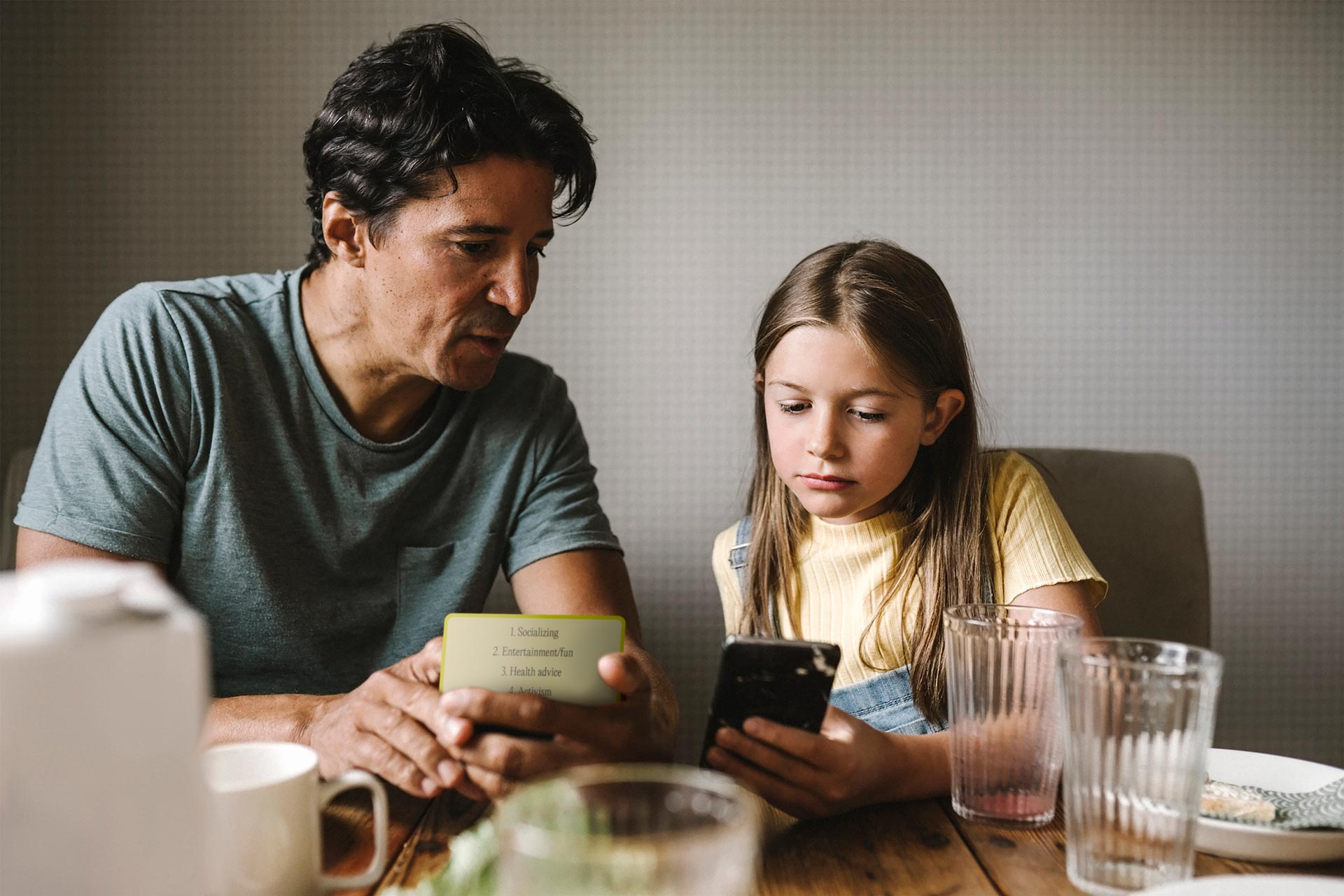
For families who appreciate having a few thoughtfully designed prompts to draw from, tools like open-ended conversation cards for everyday family moments can quietly support those exchanges without taking over the conversation. Often, it is the small, intentional pauses for connection that deepen understanding over time.
Frequently Asked Questions
1. What is a fake security alert, and how can I recognize one?
A fake security alert is a misleading message that pretends to warn about a virus, hacking attempt, or device problem. These alerts are designed to create fear and urgency so the user clicks quickly without thinking. For children, they often look real because they mimic system warnings or adult language.
Common signs include:
- Sudden pop-ups claiming the device is “infected” or “at risk.”
- Pressure to click, download, or act immediately
- Flashing warnings, loud sounds, or countdown timers
- Messages that appear inside games, videos, or ads, rather than the device’s settings
2. Why do fake security alerts work so well on children?
These alerts work because they tap into how children naturally think and feel. Kids are still learning how to evaluate information critically, and they tend to trust messages that sound official or urgent. Many children also worry about getting in trouble or causing harm.
Fake alerts often succeed because:
- Children interpret messages more literally than adults
- They respond strongly to authority and rule-like language
- Fear and urgency override careful thinking
- Kids want to fix problems quickly and responsibly
3. What should I do if my child already clicked on a fake alert?
If your child has already clicked, the most important thing is to stay calm. How you respond emotionally matters just as much as what you do next. A calm reaction helps your child feel safe telling you what happened.
Helpful steps include:
- Reassure your child that they’re not in trouble
- Check the device for unusual behavior or downloads
- Remove suspicious apps or run a trusted security scan if needed
- Use the moment as a conversation, not a consequence
4. Are fake security alerts dangerous, or just annoying?
Some fake alerts are mostly meant to scare, but others can lead to real risks. They may collect personal information, install unwanted software, or expose children to inappropriate content. Even when no harm occurs, the emotional impact can still be upsetting.
Potential risks include:
- Malware or unwanted downloads
- Requests for personal or family information
- Exposure to adult or misleading content
- Increased anxiety or fear around technology
5. How can I talk to my child about fake alerts without scaring them?
Conversations work best when they’re calm, curious, and ongoing, especially when families revisit digital dangers in small, age-appropriate ways rather than one big talk. nstead of warning children about everything that could go wrong, focus on helping them feel supported and capable.
You might:
- Ask what they’ve seen online recently
- Talk through “what if” scenarios in a relaxed way
- Share your own experiences with confusing pop-ups
- Emphasize that asking for help is always the right choice