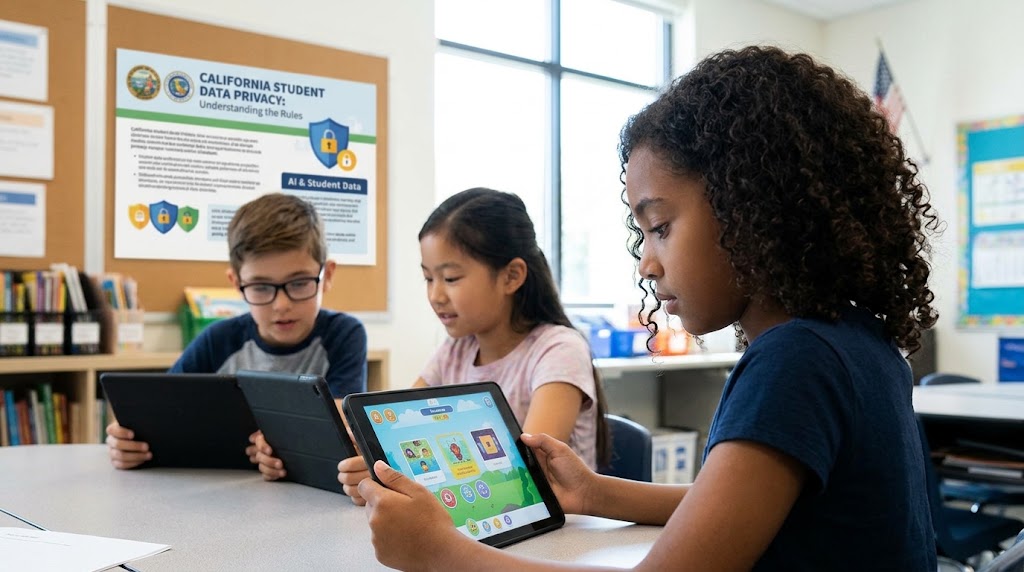










School technology is no longer limited to a computer lab or a homework portal. Many children now use classroom apps, school-issued devices, online testing platforms, communication tools, and AI-supported features throughout the day. As a result, student information can move across several systems at once, often without families seeing the full picture.
That does not mean every school tool is unsafe. It does mean privacy has become part of everyday parenting and everyday schooling. When a child logs into a reading app, uses a district Chromebook, or submits work through a digital platform, questions about data collection, storage, access, and retention are no longer abstract.
For many parents, the hardest part is not the technology itself. It is the lack of visibility. The app may look simple. The device may seem routine. But behind both, there may be vendor contracts, monitoring settings, or data-sharing practices that are never clearly explained.

What student data privacy actually includes
It is more than names, grades, and attendance
When schools talk about student data, parents often think of basics like grades, attendance, or emergency contacts. In reality, classroom apps and school devices can collect much more.
That may include:
- Login details
- Assignment history
- Search activity
- Browsing behavior on school devices
- Audio, video, or chat activity
- Device identifiers
- Usage patterns and timestamps
Not every tool collects all of this. But even simple platforms can gather more information than families expect. That is why privacy questions matter before a tool starts to feel normal.
The issue is not only collection. It is purpose.
A school app may collect data to help a child complete work, save progress, or allow teacher feedback. That can be reasonable. The concern begins when families are not told what is being collected, why it is needed, and how long it stays in the system.
This is where the conversation often shifts. The real question is not, “Does the school use technology?” Most schools do. The better question is, “Does the school use technology in a way that is clear, limited, and respectful of student privacy?”
Where privacy concerns usually show up

Classroom apps
Classroom apps often feel low-risk because they are tied to learning. A quiz platform, reading app, class behavior tool, or communication portal may look like a normal extension of schoolwork.
But parents are often surprised by how much these tools can collect in the background. Subtle data collection practices can exist even in apps that look child-friendly and routine.
Questions become more important when:
- The app requires a personal profile
- The child is using it daily
- The vendor is outside the school district
- Parents are never shown a clear privacy explanation
School-issued devices
School devices raise a different set of concerns. A district laptop or tablet may include web filters, remote management tools, monitoring software, app restrictions, and browsing controls.
Some of these tools support safety and device management. At the same time, they can expand how much visibility adults or vendors have into a child’s digital life.
This is where concerns about trust vs monitoring often become very real. A child may be completing homework, but the device may also be logging habits, searches, or activity patterns in ways families do not fully understand.
What parents should ask schools

Start with the educational purpose
A strong first question is simple: why this tool?
This helps move the conversation away from general reassurances and toward actual decision-making.
Helpful questions include:
- What learning need does this app or device tool support?
- Is it required for all students?
- Was a lower-data option considered?
- What problem is this supposed to solve?
If a school has chosen a tool thoughtfully, it should be able to explain the purpose clearly and in plain language.
Ask what data is collected
This is one of the most important areas to clarify. If a school cannot describe what the tool collects, parents are left guessing.
Useful questions include:
- What student information does this app or device collect?
- Does it collect only school-related data, or also behavioral or usage data?
- Is audio, video, browsing, or location-related information involved?
- Does the tool continue collecting data outside school hours?
These questions are not overly suspicious. They are basic privacy questions.
Ask who can access the information
Data privacy is also about access. A school may trust a vendor, but families still deserve to know who is seeing student information.
Ask:
- Who can access the data inside the school?
- Does the vendor have access to it?
- Are subcontractors or outside service providers involved?
- Can teachers see everything, or only specific parts?
Once multiple parties are involved, the privacy picture changes quickly.
Ask how long the data stays there
Retention is often overlooked. A platform may collect student information for a short-term classroom purpose, but the data may remain stored far longer than parents assume.
Ask:
- How long is student data kept?
- When is it deleted?
- What happens if a student leaves the school or district?
- Can parents request deletion in some cases?
A school does not need to have every technical detail memorized. But it should know where to find the answer.
A simple comparison that helps parents evaluate responses
What reassuring answers sound like
|
Topic |
Reassuring answer |
Concerning answer |
|
Purpose |
The school explains the learning reason clearly |
The answer is vague or trend-based |
|
Data collection |
Specific categories are named |
Staff are unsure what is collected |
|
Access |
The school explains who can view data |
Access is unclear or “handled elsewhere” |
|
Retention |
There is a defined timeline |
No one knows how long data stays stored |
|
Family notice |
Parents receive clear communication |
Families hear about tools after rollout |
|
Alternatives |
Some flexibility or explanation exists |
It is mandatory with no clear context |
This kind of comparison helps parents stay grounded. The goal is not to challenge schools aggressively. The goal is to understand whether privacy has been treated as part of responsible planning.
Why transparency matters so much
Families need more than a policy link
A privacy policy hidden inside a vendor website is not the same as meaningful communication. Families need explanations they can actually understand.
That might include:
- A short summary of what the tool does
- A clear explanation of what data it collects
- A statement about whether data is shared
- A note on deletion or retention practices
When parents receive only technical language or legal wording, trust becomes harder to build.
Communication gaps are still common
This issue shows up beyond one school or one platform. Common Sense Media reported in 2024 that 83% of parents said their child’s school had not communicated with families about generative AI. Even though AI is only one part of school technology, the finding reflects a broader communication gap many families already feel.
That gap matters because schools are often asking families to trust systems they have never fully described.
Practical signs a school is taking privacy seriously

A school does not need to be perfect to show care. What matters is whether privacy is treated as a real responsibility rather than an afterthought.
Some encouraging signs include:
- The school can explain tools in plain language
- Staff know what data is collected
- Parents are informed before rollout, not after
- The district has a clear vendor review process
- Privacy questions are answered respectfully, not defensively
These signals matter because they show that privacy is part of school culture, not just a technical requirement.
How this connects to a child’s wider digital life
Student privacy does not stop at the school gate. Children move between school platforms, home devices, chat tools, search tools, and increasingly AI tools. The more systems they use, the easier it becomes for data practices to feel invisible.
This is why school privacy conversations matter so much. They shape how children experience technology in one of the most important environments in their lives.
They also shape how families think about digital consent. Even when children cannot make every decision themselves, they are still learning what it means for personal information to be collected, stored, and used.
Questions parents can keep handy

For quick conversations with a teacher, school leader, or district contact, these are often the most useful questions:
- What does this app or device tool collect about my child?
- Why is that information needed?
- Who can access it?
- How long is it stored?
- Is any of it shared with outside vendors?
- How are parents informed when new tools are introduced?
These questions are practical, calm, and specific. They help families move from vague concern to meaningful clarity.
Privacy questions are part of caring about learning
Student data privacy is not separate from education. It is part of how education now works. Classroom apps and school devices can support learning, organization, and communication. They can also expand data collection in ways that families do not always see.
For parents, the goal is not to become suspicious of every platform or reject every device. It is to stay attentive to what is being asked of children, what is being collected in the process, and whether schools are being clear about the systems they use.
The most useful questions are often the simplest ones. What is this tool for? What does it collect? Who can see it? How long does it stay? When parents ask those questions, they are not getting in the way of education. They are helping protect the conditions in which trust and learning can coexist.
FAQs
1. What kind of data do school apps collect about students?
School apps can collect more than just basic academic information. Depending on the platform, they may track how a child uses the app, what they search, and how often they log in.
Common types of data include:
- Name, email, and login details
- Assignment progress and grades
- Usage patterns and activity history
- Device or browser information
2. Are school-issued devices monitoring my child’s activity?
In many cases, yes. School-issued devices often include monitoring or filtering tools to ensure safe usage and manage access to content. However, the level of monitoring can vary by school or district.
This may include:
- Website filtering and browsing logs
- App usage tracking
- Screen monitoring during school hours
- Remote device management by the school
3. Can parents opt out of certain school apps or data collection?
It depends on the school’s policy. Some tools are required for classroom participation, while others may offer alternatives. Schools are not always consistent in how they handle opt-out requests.
Parents can ask about:
- Whether the app is mandatory
- Alternative tools or assignments
- Data sharing policies with vendors
- Options to limit data collection where possible
4. How can I know if my child’s data is being shared with third parties?
Schools often work with external vendors to provide educational tools. While many agreements restrict data use, parents are not always informed clearly.
To understand this better, ask:
- Who the app provider is
- Whether data is shared with third parties
- If vendors use data beyond educational purposes
- Where to find the data privacy agreement