

YouTube can be a wonderful teacher and a relentless persuader in the same afternoon. It offers homework help, music practice, science explainers, and creative inspiration. It also runs on recommendations designed to keep attention flowing, which can nudge kids toward louder, riskier, or more emotionally intense content over time. The safety question is not only “Can I block the bad stuff?” It is also “How do I keep this space supportive for my child, without turning our home into a constant battle?”
This article keeps the focus on practical, realistic ways to make YouTube safer, while staying grounded in connection and respect. Different families will choose different boundaries, and that is okay. What matters most is that safety steps feel sustainable and aligned with your values, not fear-driven or harsh.

Start with the right YouTube experience for your child
One of the biggest differences in safety comes from which version of YouTube your child is using. The “right” option is rarely about age alone. It is often about how easily your child gets pulled into recommendations, how sensitive they are to scary content, and how much independence they want.
Many families rotate between these options over time:
- YouTube Kids for younger children who need tighter content boundaries.
- Supervised experiences for older kids who are outgrowing YouTube Kids but still benefit from guardrails.
- Regular YouTube for older teens who are ready for more autonomy.
YouTube Kids safety settings for younger viewers
YouTube Kids can feel calmer for younger kids because the environment is more child-centered, and the YouTube Kids parental controls make it easier to shape what they can access. Parents often notice fewer surprises and less “random drift,” especially when content is more curated. That calmer experience can reduce the number of moments where a parent needs to intervene quickly.
It also helps to remember that younger kids often interpret what they see very literally. Even mild “prank” content or loud challenges can feel intense to a child who is still building emotional regulation. A more predictable set of videos can support steadier moods and fewer after-screen meltdowns.
Supervised accounts for older kids and teens
Older kids and teens often want freedom to explore music, humor, hobbies, and identity. At the same time, they can still get swept into trends that push boundaries fast. Supervised experiences can offer a middle ground that feels less like a “kid app” while still limiting some of the more mature edges.
The tone around supervision matters. Many teens tolerate boundaries better when they feel respected and not treated like suspects. When the conversation stays calm and collaborative, safety tools are less likely to turn into secrecy or rebellion.
Strengthen the basics with accounts, profiles, and shared devices

A lot of accidental exposure comes from simple household realities. Kids borrow devices. A TV stays logged in. A family tablet has one account for everyone. These details matter because YouTube recommendations are shaped by watch history, and broader account choices often connect with Google’s parental controls across devices.
When adult viewing and kid viewing blend together, the feed can become unpredictable. It may start offering strange “in-between” recommendations that are not truly adult but not truly kid-appropriate either. That is often where parents feel blindsided.
Keep watch history from mixing across the family
When a parent watches mature content and a child watches cartoons on the same account, YouTube is learning from both. Over time, that mix can pull in suggestions that do not fit either viewer well. Separating viewing histories reduces the chance of odd recommendations showing up at the worst moment.
Even small changes help, like having a child profile on the TV or avoiding shared logins for regular viewing. These are not moral choices. They are practical ways to keep the environment more predictable.
Smart TV viewing often needs extra attention
The TV can feel “safer” because it is shared, but it can also be where autoplay runs for long stretches. Many parents find that family TVs are where kids stumble into unexpected videos, simply because the next video starts before anyone notices.
A helpful mindset is treating the TV as a shared family space where content tends to be more public and easier to glance at. That alone often reduces risk without turning it into a tense or controlling experience.
Reduce rabbit holes without shutting down curiosity
If you have seen your child start with something harmless and end up in strange or intense content, you are not imagining it. YouTube is built to keep attention moving forward. That does not mean YouTube is “bad,” but it does mean safety is not only about blocking content. It is also about reducing the momentum that pushes kids deeper and deeper.
When you understand how recommendations work, it becomes easier to see why small settings can make a big difference. Autoplay and recommendation loops can be more influential than search itself.
Restricted Mode and content levels can reduce surprises
Restricted Mode can filter out some mature content, particularly on shared devices. It is not perfect, and parents can feel frustrated when something slips through. Still, it can reduce the frequency of obvious issues and create a more “family-friendly” baseline.
For younger kids, the content levels in YouTube Kids may feel more reliable because the whole app is designed around child viewing. For older kids, supervised experiences may provide a better balance of variety and protection.
Autoplay is often the hidden driver of drift
Autoplay removes the moment where a child pauses and chooses. Without that pause, the platform chooses the direction. Turning autoplay off can reduce long, unplanned viewing streaks and lower the chance of wandering into content that feels off.
Parents often notice that when autoplay is off, the mood around stopping improves too. Even without rigid rules, that extra pause can make transitions feel less abrupt.
Choosing between YouTube Kids, supervised YouTube, and regular YouTube

Families often ask which option is best, but “best” depends on what your child needs right now. Some kids handle variety well but struggle to stop. Others stop easily but get unsettled by scary topics. Some teens are steady and thoughtful, while others get pulled into risky trends quickly.
Comparison table: what each option tends to feel like
|
Option |
What it tends to support well |
Where challenges can show up |
|
YouTube Kids |
More predictable viewing for younger kids |
Kids can outgrow it or feel limited |
|
Supervised YouTube |
A bridge between kid content and teen interests |
Requires ongoing attention to settings and patterns |
|
Regular YouTube |
Maximum autonomy for older teens |
More exposure to mature topics and stronger recommendation drift |
This is not about choosing the strictest path. It is about choosing the most sustainable one for your family and your child’s current stage.
Time boundaries that feel supportive, not punitive
YouTube screen time limits can be helpful, but the emotional tone around them matters a lot, and the American Academy of Pediatrics screen time guidance supports focusing on family context rather than a single perfect number. When kids feel controlled, they often push back harder. When they feel supported, they may still resist sometimes, but the conversation stays more honest.
It helps to remember that YouTube is designed to keep viewers watching. Kids are not weak for finding it hard to stop. Their brains are learning regulation, and the platform is very good at pulling attention forward.
Stopping can be hard even when a child wants to stop
Many parents notice that the conflict is not only “I want to watch more.” It is also “I do not know how to stop smoothly.” Abrupt endings can trigger big feelings, especially for kids who struggle with transitions.
Small adjustments can improve the ending experience:
- A short warning before stopping can reduce shock.
- Finishing a video can feel calmer than cutting off mid-stream.
- Saving a video for later can reduce the feeling of loss.
Teens and late-night viewing
For teens, YouTube can become a late-night companion. Sometimes it is entertainment. Sometimes it is emotional escape. That matters, because the “why” often determines what helps.
A teen who watches at night because they are stressed might need support around stress and sleep, not just screen limits. A teen who watches at night because it is fun might respond better to gentle boundaries that protect rest without shaming them.
Privacy and interaction safety, without fear-based messaging
YouTube privacy settings for children matter because the risk is not only the video content, and child data protections like the FTC’s COPPA rule show why privacy deserves a calm, practical place in family conversations. It is also comments, livestreams, links, and oversharing. Younger kids may not understand what personal information is. Teens may understand but underestimate how quickly information travels.
This does not need to become a scary lecture. It can be framed as everyday digital common sense, similar to “look both ways” rather than “the world is out to get you.”
Kids often overshare without realizing it
Personal information is not only a home address. It can be clues. A school logo, a neighborhood landmark, or a sports schedule can add up quickly. Even usernames can be revealing if they are used across multiple platforms.
YouTube also blends promotions into content. Knowing ad types can make it easier to talk about persuasion and privacy in a calm, practical way.
Reporting and blocking can be normal, not dramatic
Kids benefit when reporting feels ordinary, and the YouTube Kids parent resources reinforce that reporting and blocking are meant to be simple, everyday tools. If something feels wrong, it can be closed, blocked, or reported without a big emotional storm. When a parent responds calmly, kids learn they can ask for help without fear of losing everything.
That calm response is often what keeps kids honest. If they expect punishment, they hide. If they expect support, they tend to share sooner.
Clickbait and shock loops that pull kids in fast

Clickbait is not just annoying. It can train kids to chase intensity and treat curiosity like a trap. Many kids end up watching content that leaves them feeling unsettled, not because they wanted that feeling, but because the thumbnails and titles pulled them along.
Naming clickbait cues can help kids notice what is happening to their attention. That awareness often reduces the pull over time.
Helping kids notice the feeling after a video
A simple and powerful shift is focusing on “how it felt” rather than “why did you watch that.” Kids often know something made them feel anxious, grossed out, or hyped up. They just do not always connect the feeling to the content choices yet.
Some common clickbait pulls include:
- Urgency and fear
- Drama and outrage
- “Secret” or forbidden framing
- Humiliation humor
When kids learn to recognize these patterns, they build an internal safety skill that works across platforms.
Ads, wanting, and the pressure to buy
A lot of YouTube conflict is not about safety in the scary sense. It is about desire and pressure. Kids see creators unbox products, show “must-have” items, and blend sponsorship into storytelling. Then parents hear, “Everyone has this,” and the tension rises.
Understanding ad influence can reduce blame on both sides. Kids are not “being difficult” for wanting what they see. Parents are not “being mean” for saying no. It is a predictable friction point in modern childhood.
Turning money arguments into calmer conversations
Many families find that the argument softens when the focus shifts from “You cannot have it” to “What do you like about it.” Often the want is really about belonging, identity, comfort, or novelty.
When the deeper need is named, it becomes easier to respond thoughtfully. Sometimes the answer is still no. Sometimes it becomes a plan. Either way, the conversation feels less like a power struggle.
When something goes wrong, steadiness matters more than perfection
Even with strong settings, kids will sometimes see something upsetting. Teens will sometimes explore content that is more mature than parents would prefer. These moments can feel scary for parents, but they can also become opportunities for trust.
Kids are more likely to speak up when they believe they will not be shamed. If they expect anger, they stay quiet. If they expect support, they usually share sooner.
What tends to help most is a calm response that keeps the focus on safety and repair rather than punishment. That approach teaches kids that honesty is safer than secrecy.
A small, sustainable rhythm that keeps YouTube safer over time
YouTube safety is rarely a one-time setup. It changes as kids grow, interests shift, and trends evolve. Many parents find it easier when safety is treated as an ongoing background habit, not a crisis response.
It can help to keep a light awareness of what your child is enjoying. Many kids actually like sharing favorite channels, funny clips, or new interests when it feels safe and non-judgmental. Those small moments of connection often do more for safety than strict rules.
Cross-platform consistency
Kids move between apps quickly, and a consistent family philosophy reduces conflict. The same respectful approach can carry over to other platforms, including the TikTok guide when interests shift.
Quick navigation: where parents usually look first
If you want a simple map of what people commonly adjust, these categories tend to cover most concerns.
- Content filters like Restricted Mode or YouTube Kids content levels
- Recommendation controls like autoplay and history settings
- Time boundaries that protect sleep and daily routines
- Privacy basics around comments, links, and personal information
A gentle option for families who want help with conversations

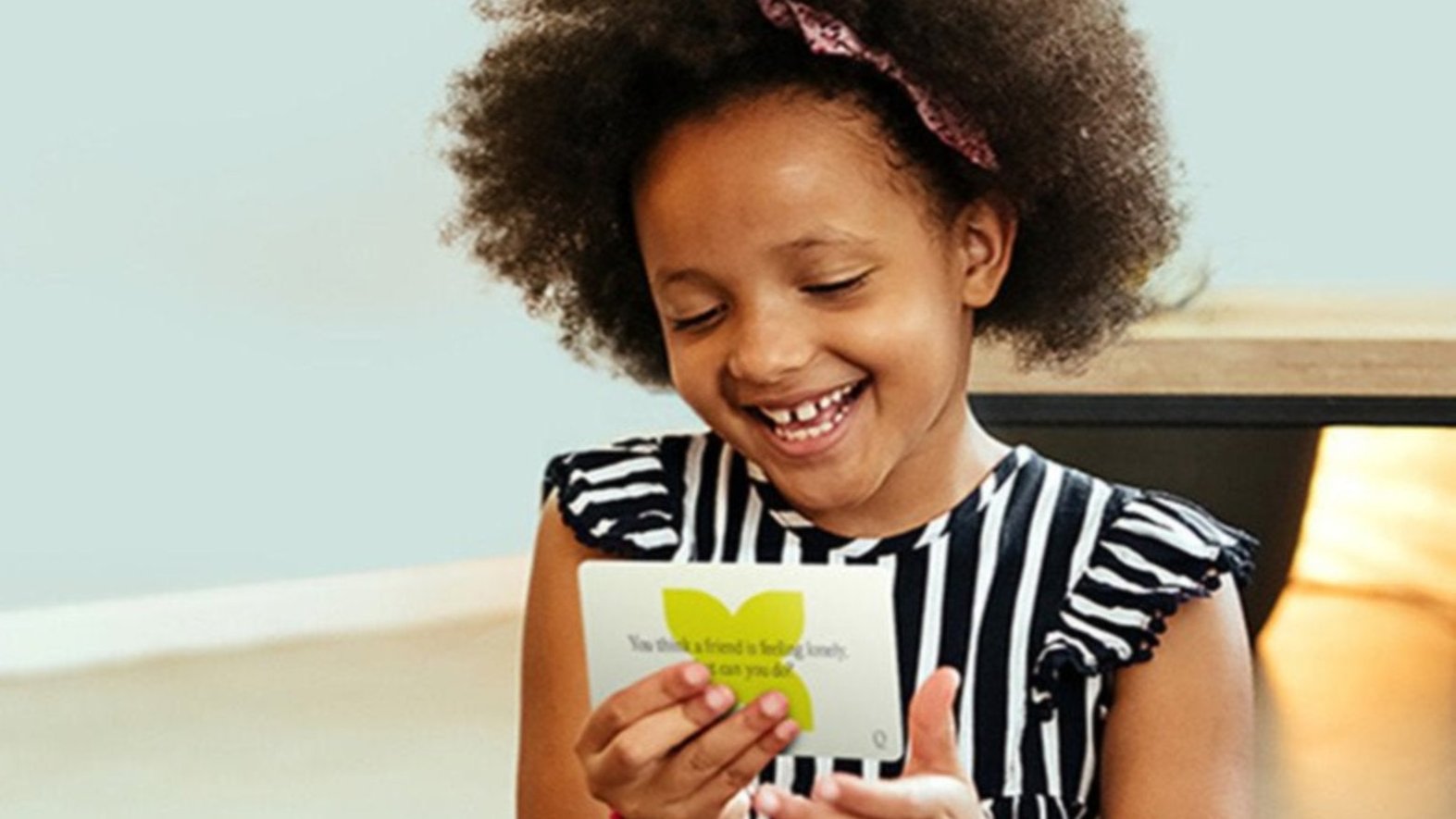
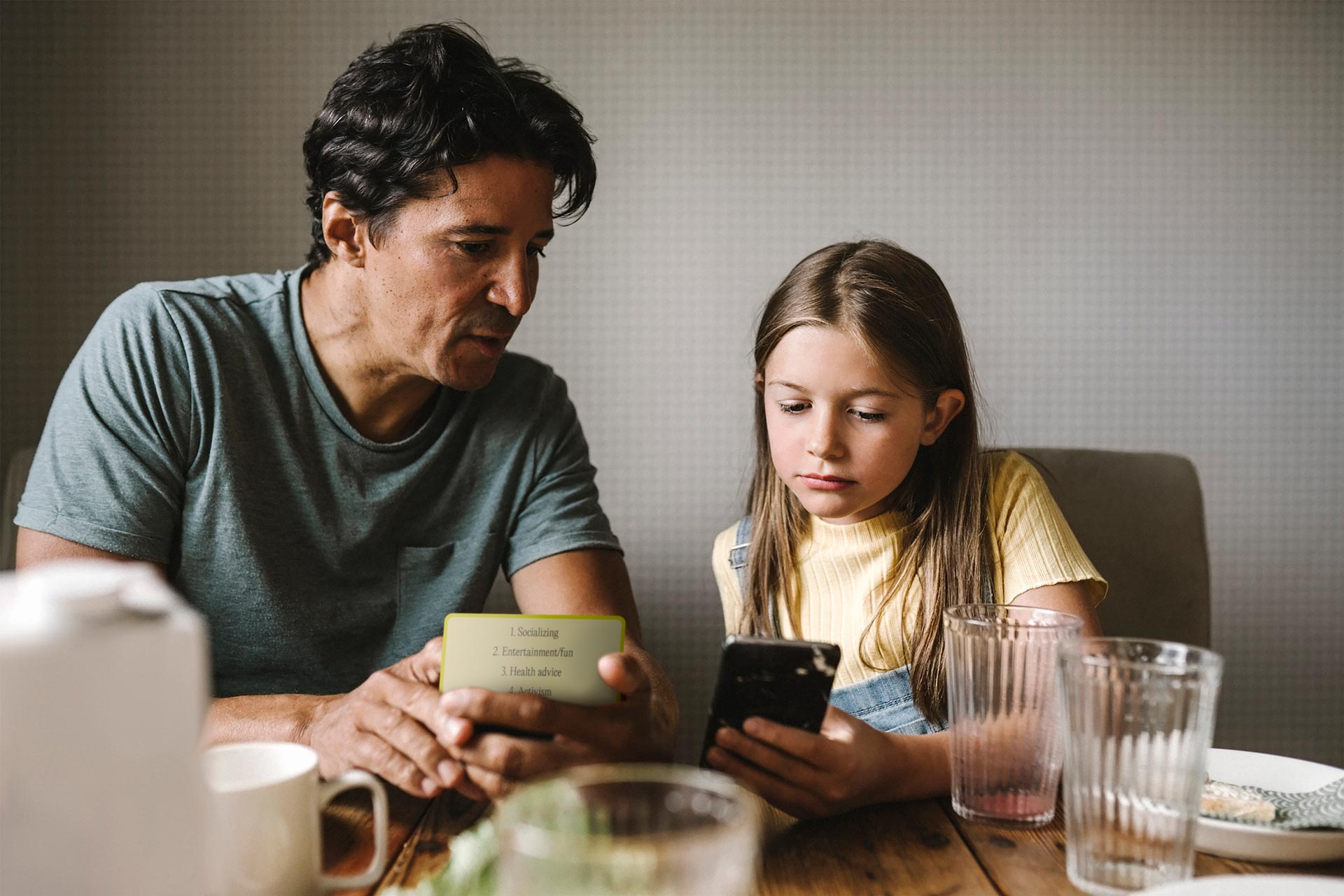
The hardest part is often the conversation, not the settings. When emotions rise, even good intentions can turn into conflict. If having structured language would reduce tension, card prompts can support calmer check-ins and help kids feel heard while boundaries stay clear.
Closing: Safer often looks like calmer
The goal is not to create a child who never encounters anything messy online. The goal is to raise a child who can handle messiness with support, discernment, and honesty. YouTube can be part of a healthy digital life when it sits inside a warm relationship and a home culture that values respect.
If you take only one idea from this article, let it be this: small changes that reduce drift and increase openness often do more than strict control. Over time, what grows is not just safety. What grows is trust, and trust is what kids carry with them when you are not in the room.
FAQs: YouTube Safety Settings for Kids and Teens
1) What are the best YouTube safety settings kids should have turned on?
The best setup is the one that reduces accidental exposure and recommendation drift while still fitting your child’s age and temperament. Most families see the biggest improvement when they focus on content filtering, autoplay control, and account separation rather than trying to tweak everything at once.
- Use YouTube Kids for younger children when you want tighter content boundaries.
- Turn on Restricted Mode on shared devices to reduce mature content.
- Turn autoplay off to reduce rabbit holes and binge momentum.
- Keep separate profiles for kids and adults so recommendations do not mix.
2) How do I make YouTube safer for kids without constantly monitoring?
Many parents find it works better to design a safer viewing environment than to rely on constant checking. Small, steady choices often reduce problems before they happen, which lowers the need to intervene in the moment and keeps trust intact.
- Watch on shared screens more often when possible (TV, family room).
- Create a kid profile and keep it “clean” from adult viewing history.
- Encourage kids to use a short exit habit if something feels off: close, block/report, tell.
- Keep a short list of trusted channels your child enjoys and returns to.
3) Is YouTube Kids safer than the regular YouTube app?
In general, YouTube Kids is designed to be more child-centered and can feel more predictable for younger children. Regular YouTube has wider variety and stronger recommendation drift, which can expose kids to more mature topics more quickly. Many families use YouTube Kids when children are young, then shift later based on readiness.
- YouTube Kids often supports: simpler boundaries, fewer surprises, child-focused content.
- Regular YouTube often brings: broader content, stronger recommendations, higher exposure risk.
- Supervised experiences can feel like a middle option for preteens and younger teens.
4) Does Restricted Mode fully block inappropriate content?
Restricted Mode can reduce exposure to mature content, but it is not a perfect filter. Sometimes inappropriate content still appears because YouTube relies on automated systems and user reporting. It helps to treat Restricted Mode as one layer of safety rather than the only safety measure.
- Use Restricted Mode alongside autoplay off to reduce drift.
- Separate adult and kid profiles to avoid mixed recommendations.
- Encourage kids to report and exit content that feels wrong.
- Keep an open tone so kids feel safe telling you when something slips through.
5) How can I set YouTube screen time limits without causing fights?
Screen time friction often comes from transitions, not the limit itself. Kids can feel upset when stopping is abrupt, especially if they are emotionally invested in a video. Many families find that smoother endings reduce arguments more than stricter rules do.
- Use a short warning before stopping so the brain can shift.
- Avoid cutting off mid-video when possible.
- Protect sleep time first, since late-night YouTube often creates bigger mood issues.
- Keep boundaries consistent enough that kids know what to expect.
6) What privacy settings should parents focus on for children on YouTube?
Privacy is not only about what kids watch. It is also about what they share and how they interact. Kids often reveal personal details without realizing it, especially in comments or usernames, so focusing on simple privacy habits can prevent bigger issues later.
- Teach kids to avoid sharing: full name, school, schedules, location clues.
- Be cautious with comments and livestream chats, especially with strangers.
- Encourage kids to avoid clicking off-platform links in descriptions or comments.
- Talk about how ads and persuasion show up online, including commonad types.
7) How do I handle it if my child or teen watches something inappropriate on YouTube?
When something upsetting happens, many kids decide whether to tell you based on how they think you will respond. A calm, supportive reaction helps children stay honest and ask for help sooner next time. That honesty becomes a long-term safety advantage.
- Start with: “Thank you for telling me. You are not in trouble.”
- Close the video and use block or report tools if needed.
- Talk briefly about what felt wrong, without turning it into a lecture.
- Adjust the environment if needed, such as autoplay settings or profile separation.