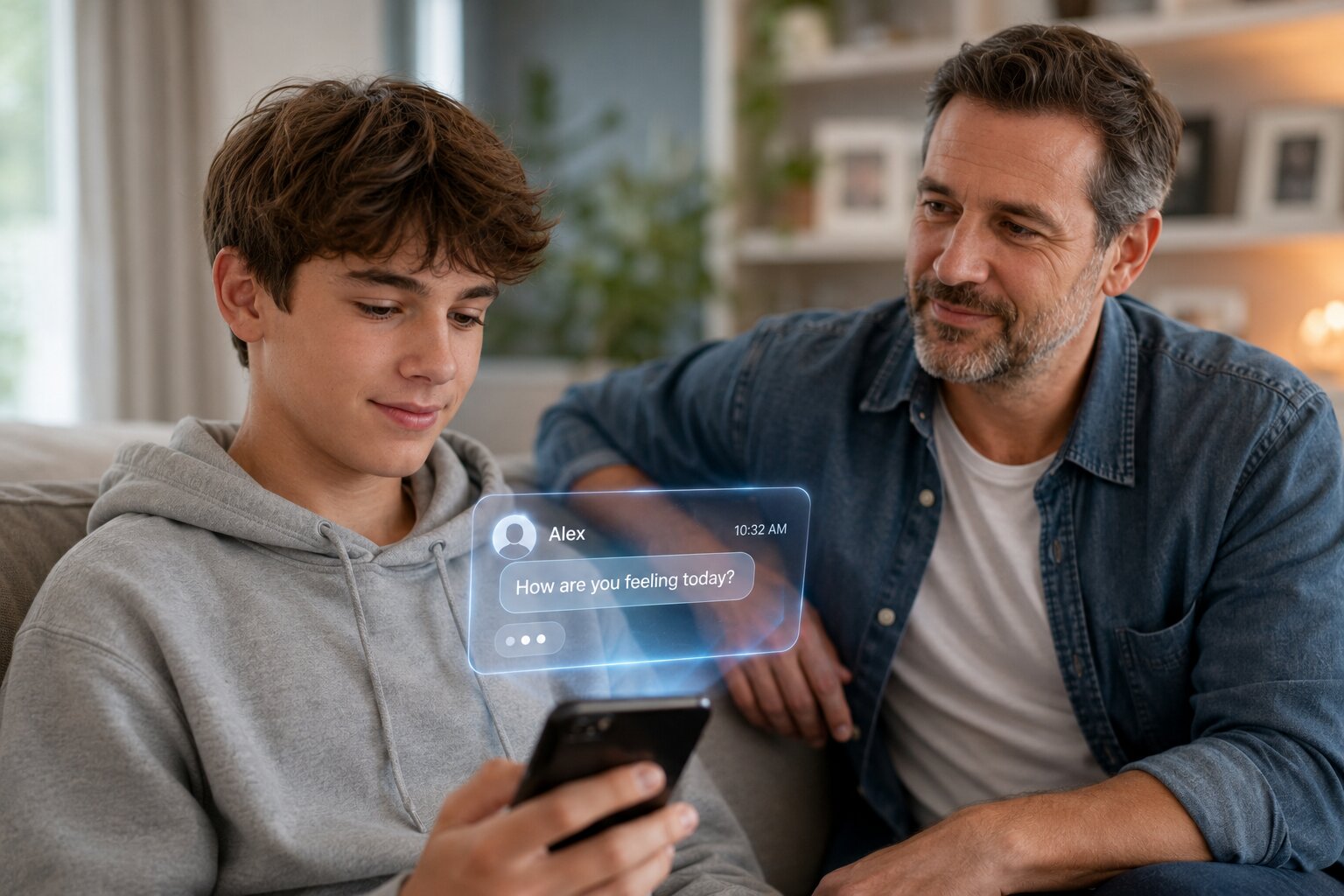










Letting a teenager take a rideshare alone can solve a real family problem. School activities run late, sports practices overlap with work schedules, and parents cannot always be available for every pickup. But giving a teen more transportation independence also means deciding how much responsibility they are ready to handle without an adult beside them.
Uber Teen Accounts are designed for teens ages 13–17 in supported locations. They allow teens to request their own rides through a family-linked account while giving a parent or guardian trip notifications, live tracking, and access to certain safety tools.
Uber also builds features such as PIN verification and RideCheck into teen rides.Those protections can be useful, but parents still need to prepare their teen for the decisions that happen before, during, and after a ride.

What Is an Uber Teen Account?

An Uber Teen Account is a supervised account that lets an eligible teenager request rides independently while remaining connected to a parent or guardian's Family profile.
In the United States, Uber describes teen accounts as intended for ages 13–17, although availability and specific features can vary by location. A parent or guardian creates or approves the account, and the teen completes mandatory safety onboarding before using it.
Unlike simply booking a regular Uber for an unaccompanied child, a Teen Account is specifically designed for solo teen rides.
Uber's Community Guidelines state that, where Teen Accounts are available, minors traveling without an adult should use the teen-account system rather than a standard adult account.
|
Uber Teen feature |
What it means for families |
|
Family-linked account |
A guardian remains connected to the teen's account |
|
Independent ride requests |
The teen can request eligible rides without the parent booking each one |
|
Trip notifications |
Guardians are notified when the teen requests a ride |
|
Live trip tracking |
Guardians can follow the trip from pickup to destination |
|
PIN verification |
The trip cannot begin until the correct PIN is entered |
|
RideCheck |
Uber may check in when the system detects an unusual trip event |
|
Safety tools |
Teens can access support and emergency options in the app |
|
Audio Recording |
Teens can choose to enable recording for their trips |
Before giving a teen access, parents should also consider whether the child is ready for the broader responsibility that comes with an app-connected phone. Assessing teen smartphone readiness can help families decide whether independent rides are appropriate yet.
What Should Parents Check Before the First Solo Uber Ride?
Parents should check account setup, safety settings, payment information, location sharing, emergency contacts, and their teen's understanding of basic rideshare safety before approving the first solo trip.
A correctly configured app is only part of the preparation. Your teen should also know what to do if something does not look right.
Use the Teen Account, Not a Parent's Regular Account

Do not simply give your teen your login or routinely request ordinary rides for them to take alone.
Uber created Teen Accounts specifically for this situation. Using the proper account also ensures that the safety features designed for teen rides remain connected to the trip.
The setup process generally involves:
-
Opening Account in the Uber app.
-
Selecting Family and teens.
-
Creating or opening the Family profile.
-
Inviting the teenager.
-
Having the teen accept the invitation.
-
Completing Uber's required safety onboarding.
-
Confirming the family's payment information.
Uber notes that Teen Accounts are not available everywhere, so parents should confirm that the option appears in their current app and location.
Review the Account Together
Avoid setting everything up privately and simply handing your teen an activated app.
Sit beside them and review:
-
Their name and contact details
-
The linked guardian
-
Payment arrangements
-
Trip notifications
-
Emergency and support options
-
Location permissions
-
PIN verification
-
Audio-recording preferences
-
What information you will be able to see
This is also a useful opportunity to build safer digital habits rather than treating rideshare safety as an isolated lesson.
Which Uber Teen Safety Features Should Parents Understand?
Parents should understand what each safety feature does and what it does not do before depending on it.
Uber says live trip tracking, PIN verification and RideCheck are built into the Teen Account experience and cannot normally be switched off by the teen. Audio Recording requires the teen to opt in.
|
Safety feature |
What it does |
What parents should still teach |
|
PIN verification |
Requires a unique code before the driver can begin the ride |
Never enter a car solely because the driver knows the destination |
|
Live trip tracking |
Lets guardians follow the ride in their app |
Tell a parent about unexpected changes |
|
RideCheck |
May detect unusual stops, route changes or an early ending |
Respond to safety prompts and contact someone when concerned |
|
Emergency tools |
Provides access to emergency assistance from the app |
Know when an emergency requires immediate help |
|
Safety reporting |
Allows incidents to be reported through Uber |
Tell a trusted adult about uncomfortable behavior |
|
Audio Recording |
Can record trip audio when enabled |
Understand when recording is active and how it works |
Technology can provide another layer of awareness, but it cannot determine whether every real-world situation is safe.
How Much Can Parents See During a Teen's Uber Ride?
Guardians can receive ride notifications and follow a teen's trip in real time through the Uber app.
Uber says guardians can open the teen's active trip through their notification or Activity section. During a Teen Account ride, the guardian may also be able to call the driver or participate in a three-way message conversation involving the driver and teen.
That level of visibility creates an important family question: How much monitoring is reasonable?
A teen may need supervision without feeling that every movement is being scrutinized unnecessarily. Families can set location-sharing boundaries before rideshare access begins so everyone knows when tracking will be used and why.
Agree on Location Rules Beforehand
A simple agreement might look like this:
|
Situation |
Suggested family expectation |
|
Normal scheduled ride |
Parent watches for pickup and arrival |
|
Route appears slightly different |
Teen checks navigation before anyone assumes there is a problem |
|
Long unexpected stop |
Teen messages parent when safe |
|
Destination changes |
Teen informs parent first |
|
Teen feels uncomfortable |
Contact parent or another trusted adult immediately |
|
Immediate danger |
Use appropriate emergency assistance rather than waiting for a text response |
The purpose of location sharing should be safety and coordination, not constant surveillance.
What Should Teens Check Before Getting Into the Car?
Teens should verify the vehicle, driver information and PIN before entering any rideshare vehicle.
Teach them not to rely on only one detail.
Use a Three-Part Vehicle Check
Before opening the door, the teen should compare:
-
License plate
-
Vehicle make and model
-
Driver information shown in the app
They should then use the Teen Account's PIN verification process before the trip begins.
Uber says the driver cannot start a Teen Account trip until the correct PIN has been entered.
If the details do not match, the teen should not get in.
Choose a Safe Pickup Point
Pickup location matters too.
Whenever possible, the teen should wait:
-
Inside a school, store or other safe building until the driver arrives
-
In a well-lit area
-
Away from isolated parking lots
-
Somewhere where the correct vehicle can be clearly identified
They should avoid walking toward a car merely because someone waves, honks or calls their name.
What Rules Should Teens Follow During the Ride?
Teens should remain aware of the route, keep their phone accessible, use a seat belt and contact a trusted adult if something feels wrong.
Uber's guidance for Teen Account trips says teen passengers should sit in the back seat and buckle up.
Parents can turn that guidance into a short family checklist.
During Every Ride, the Teen Should
-
Sit in the back seat.
-
Wear a seat belt.
-
Keep their phone charged and accessible.
-
Avoid sharing unnecessary personal information.
-
Follow the route in the app when practical.
-
Avoid changing the destination without telling the guardian.
-
Respond to RideCheck or safety prompts.
-
Contact a trusted adult when something feels unusual.
-
Use emergency assistance if there is an immediate safety threat.
A power bank may also be useful for teens who frequently travel after school or activities, since location and communication tools are less useful when the phone battery is nearly empty.
What Should Parents Teach About Driver Communication?
Teens should know how to communicate politely with a driver without revealing unnecessary personal information.
Normal conversations are not automatically a problem. However, teenagers should understand that being friendly does not require answering personal questions about where they live, whether they are home alone, their school schedule or other private details.
A basic boundary can be:
Necessary trip information is fine. Personal information is optional.
That principle also applies beyond rideshares. Helping teens understand privacy and consent makes it easier for them to recognize when they are allowed to say, “I'd rather not answer that.”
If someone contacts the teen unexpectedly before or after a ride, they should also know how to handle suspicious messages without feeling pressured to respond.
What Should a Teen Do If Something Feels Wrong?
A teen who feels uncomfortable should act early rather than waiting for the situation to become clearly dangerous.
Parents can rehearse several possibilities before the first ride.
|
Situation |
What the teen can do |
|
Wrong vehicle arrives |
Stay outside and verify the trip in the app |
|
Driver asks teen to cancel unexpectedly |
Contact the parent and use the app's support options |
|
Route seems unusual |
Check navigation and ask about the route |
|
Driver behavior feels uncomfortable |
Contact the guardian and use in-app safety tools when appropriate |
|
Ride stops unexpectedly |
Stay alert, respond to RideCheck and update the guardian |
|
Phone call or message seems suspicious |
Do not disclose personal information |
|
Immediate danger |
Seek emergency help as soon as safely possible |
Parents should make one point especially clear: your teen does not need to prove that a situation is dangerous before contacting you.
Feeling uncertain is enough reason to check in.
How Can Parents Tell Whether a Teen Is Ready to Ride Alone?

A teen may be ready for independent rides when they can follow safety rules consistently, communicate clearly and respond calmly when plans change.
Age alone does not answer the question.
Consider the teen's behavior in everyday situations.
Signs of Greater Readiness
Your teen generally:
-
Keeps their phone charged.
-
Answers important messages within a reasonable time.
-
Can confirm addresses independently.
-
Understands basic map navigation.
-
Notices when details do not match.
-
Follows agreed family boundaries.
-
Can speak confidently to unfamiliar adults.
-
Knows how to ask for help.
-
Does not routinely ignore safety instructions.
Signs More Practice May Be Needed
Consider delaying solo rides if the teen:
-
Frequently loses or forgets their phone.
-
Regularly ignores calls when plans change.
-
Has difficulty identifying the correct vehicle.
-
Shares personal information too freely.
-
Becomes overwhelmed by unexpected situations.
-
Is unsure how to contact emergency help.
-
Does not yet follow family location rules reliably.
A practice trip with a parent nearby can provide a useful transition.
What Family Rules Should You Set Before Using Uber Teen?
Families should agree on when rides can be requested, acceptable destinations, spending limits, communication expectations and what happens when plans change.
Writing the rules down can prevent arguments later.
|
Topic |
Question to agree on |
|
Ride times |
How late may the teen ride alone? |
|
Destinations |
Which places can be visited without separate permission? |
|
Friends |
Can other teens ride along? |
|
Costs |
Is there a ride budget? |
|
Location |
When will parents actively follow the trip? |
|
Communication |
When must the teen check in? |
|
Route changes |
Does the teen need permission to change destinations? |
|
Emergencies |
Who should the teen contact first? |
|
Phone battery |
What minimum charge is required before leaving? |
Uber allows Teen Account holders to bring other riders, but teen guests must meet Uber's age requirements and have parental or guardian permission.
That means families should discuss group rides before they happen rather than when several friends are already waiting at the curb.
Is an Uber Teen Account Safe Enough for a Teen to Ride Alone?

An Uber Teen Account provides additional supervision and safety tools, but parents still need to decide whether their individual teen is ready to manage an independent ride.
Features such as live tracking, PIN verification and RideCheck can reduce some common concerns. Uber also says Teen Account rides are matched with highly rated, experienced drivers and that drivers undergo background screening.
However, no rideshare feature can guarantee that nothing unexpected will happen.
The strongest approach combines:
-
Correct account setup
-
A prepared teenager
-
Clear privacy boundaries
-
Reliable communication
-
Safe pickup habits
-
Basic emergency planning
-
Regular conversations after rides
As teens become more experienced, parents can gradually adjust supervision rather than treating independence as an all-or-nothing decision.
Frequently Asked Questions About Uber Teen Accounts
What age can a teen have an Uber Teen Account?
Uber's U.S. Teen Account program is designed for teenagers ages 13–17. Availability and eligibility may vary by location.
Can parents track an Uber Teen ride?
Yes. Guardians linked to a Teen Account can receive trip notifications and follow the ride through live trip tracking in their Uber app.
Can a teen turn off Uber's Teen Account safety features?
Uber states that core Teen Account features including live trip tracking, PIN verification and RideCheck are built into the experience and cannot be turned off. Audio Recording requires the teen to opt in.
Can parents contact the Uber driver?
During an active Teen Account ride, Uber says guardians can access options to call the driver. The app may also provide a three-way messaging conversation involving the teen, guardian and driver.
Can teens ride with friends?
Yes, under Uber's Teen Account rules, but accompanying teen riders must meet the applicable age requirements and minors need parent or guardian permission. Uber also says all teens should sit in the back seat and buckle up.
What happens when the teen turns 18?
Uber says the Teen Account converts to a standard account when the user turns 18. The person may remain part of the Family profile afterward unless that arrangement changes.